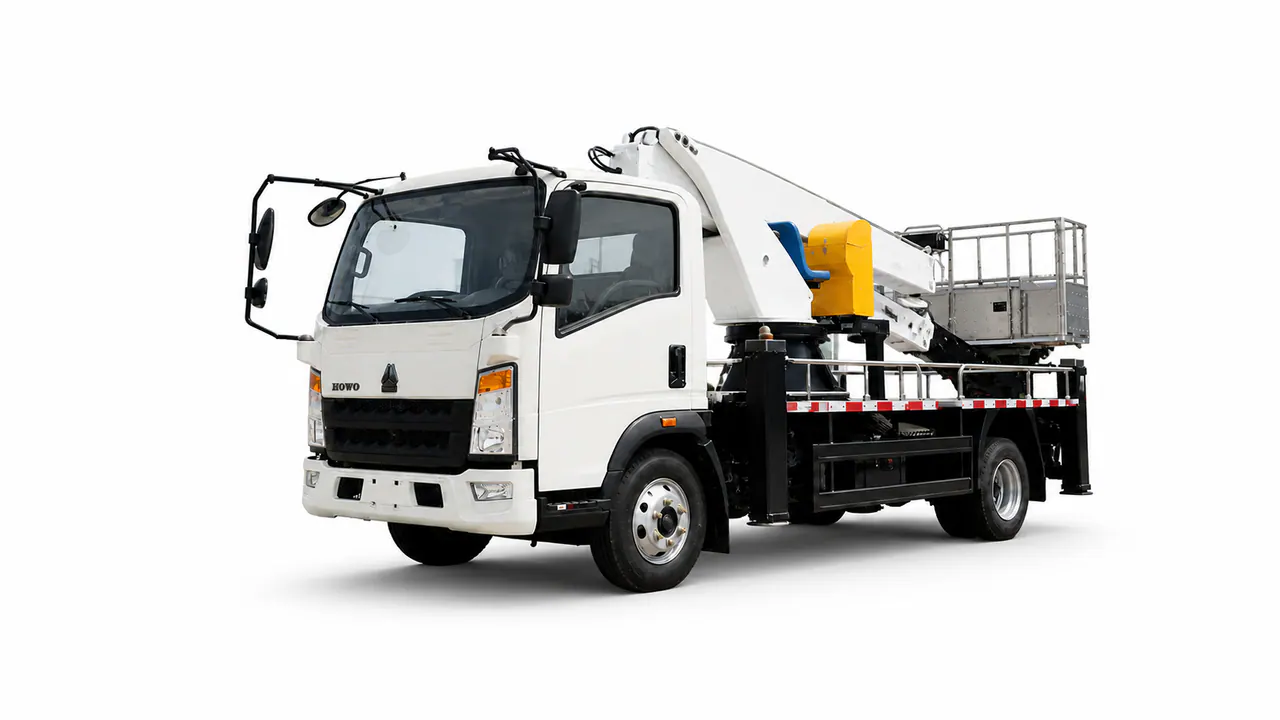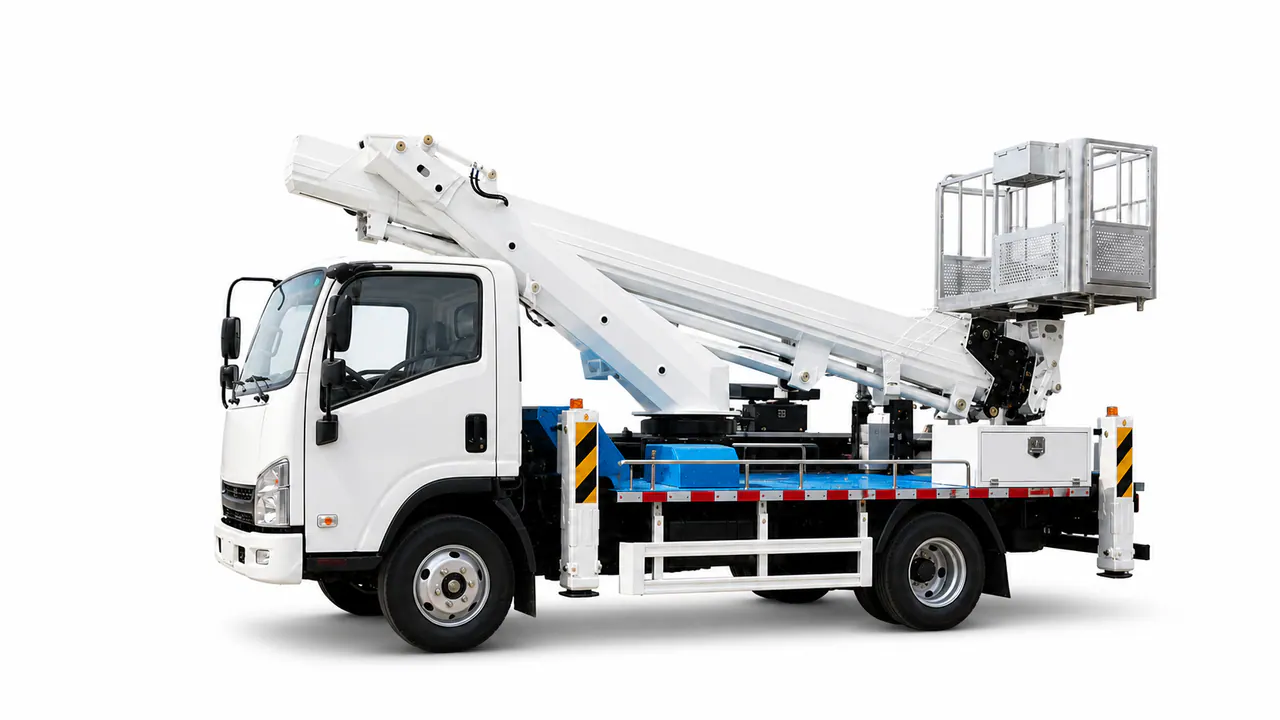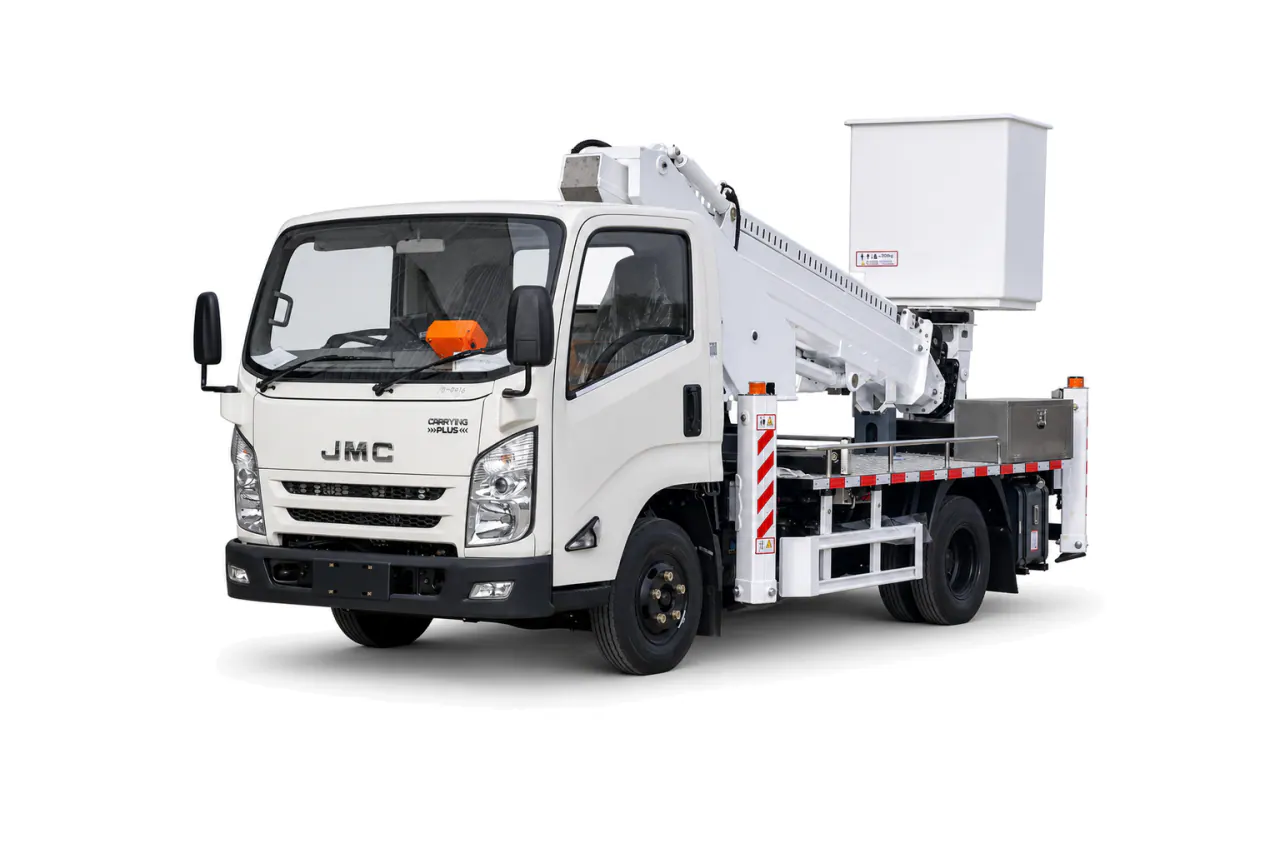
Insulated Aerial Work Platform Truck
Electrical clearance and insulation class guide the choice of an insulated aerial platform. Agree the test method, then check basket load, working envelope and site access against destination rules.
Utility restoration depends on reaching the work position at the intended basket load. Compare aerial vehicles for the restoration sequence, accounting for electrical requirements, ground support and route access.
Discuss this missionThe main vehicle's job comes first. Supporting vehicles need a separate role in the response plan.
Electrical clearance and insulation class guide the choice of an insulated aerial platform. Agree the test method, then check basket load, working envelope and site access against destination rules.
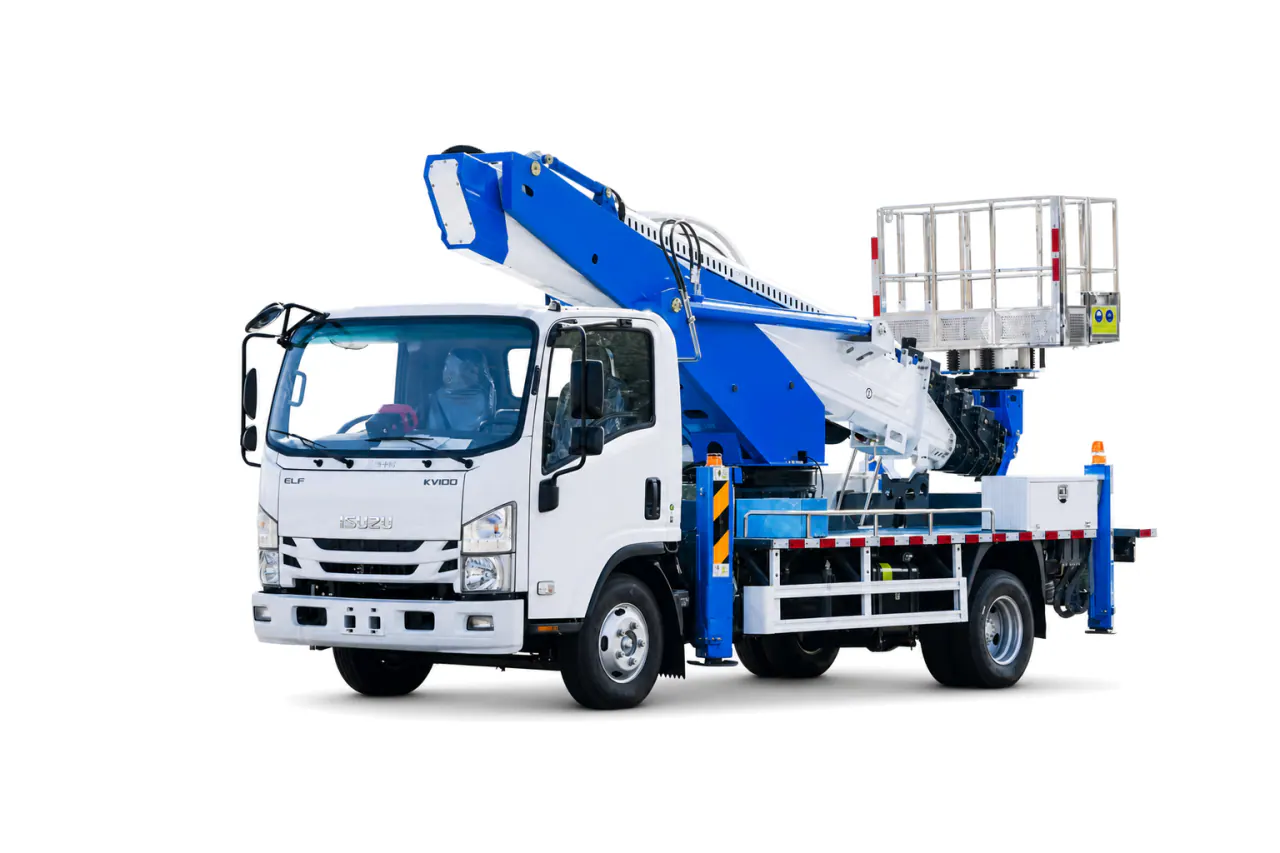
A telescopic-boom platform provides direct elevated access. Compare height and outreach at the required basket load, then check stabilizer spread, ground pressure and transport limits.
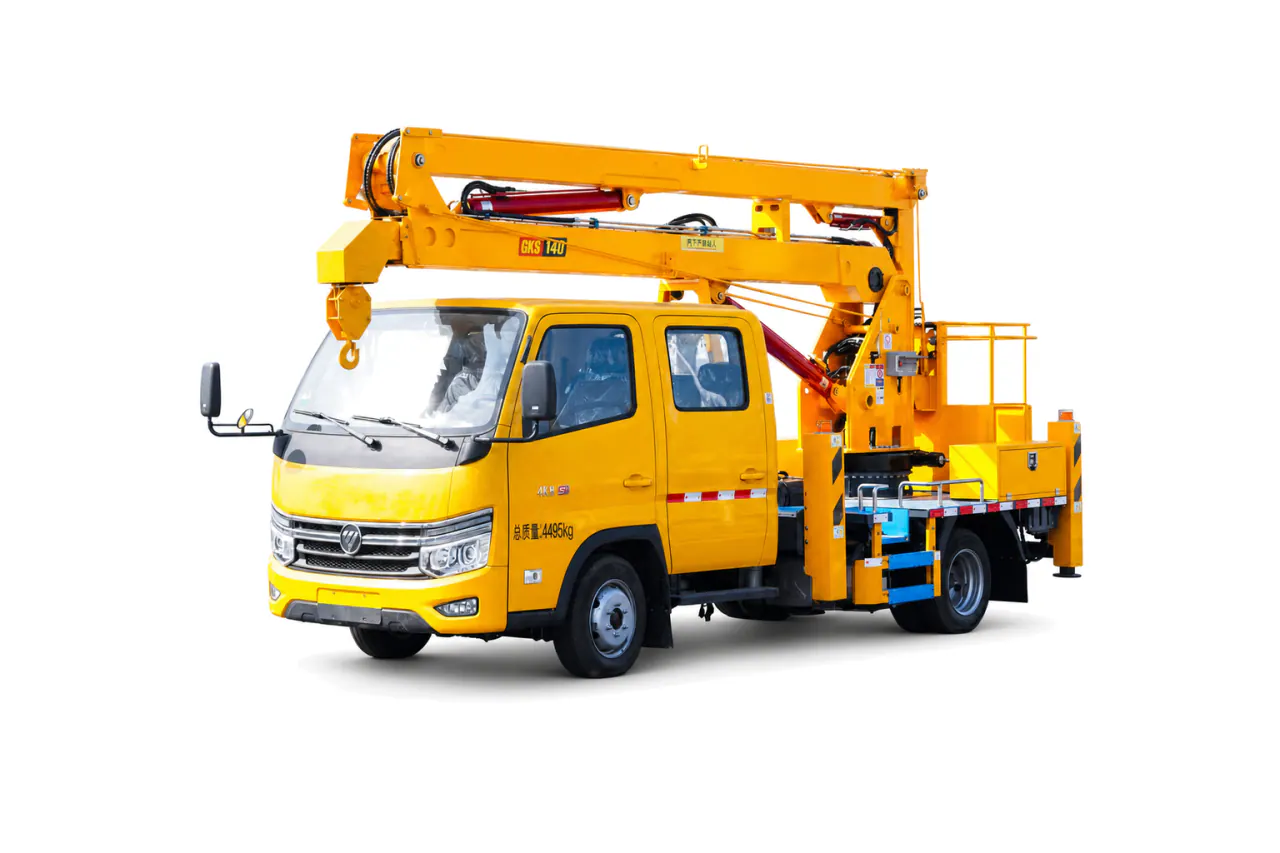
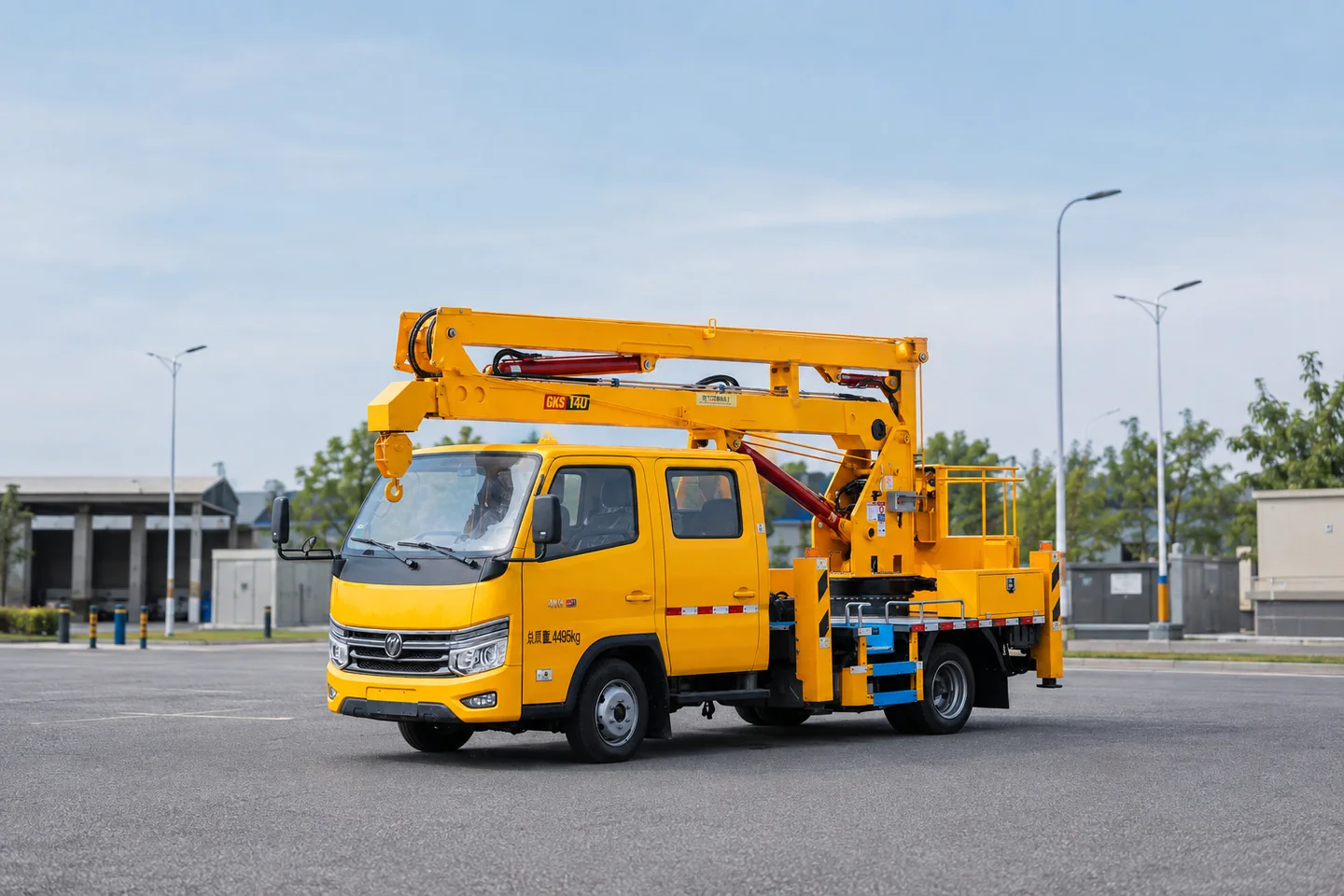
An articulating boom can reach around obstacles. Before choosing the chassis, check the reach path at the required basket load, the space for stabilizers and access along the route.
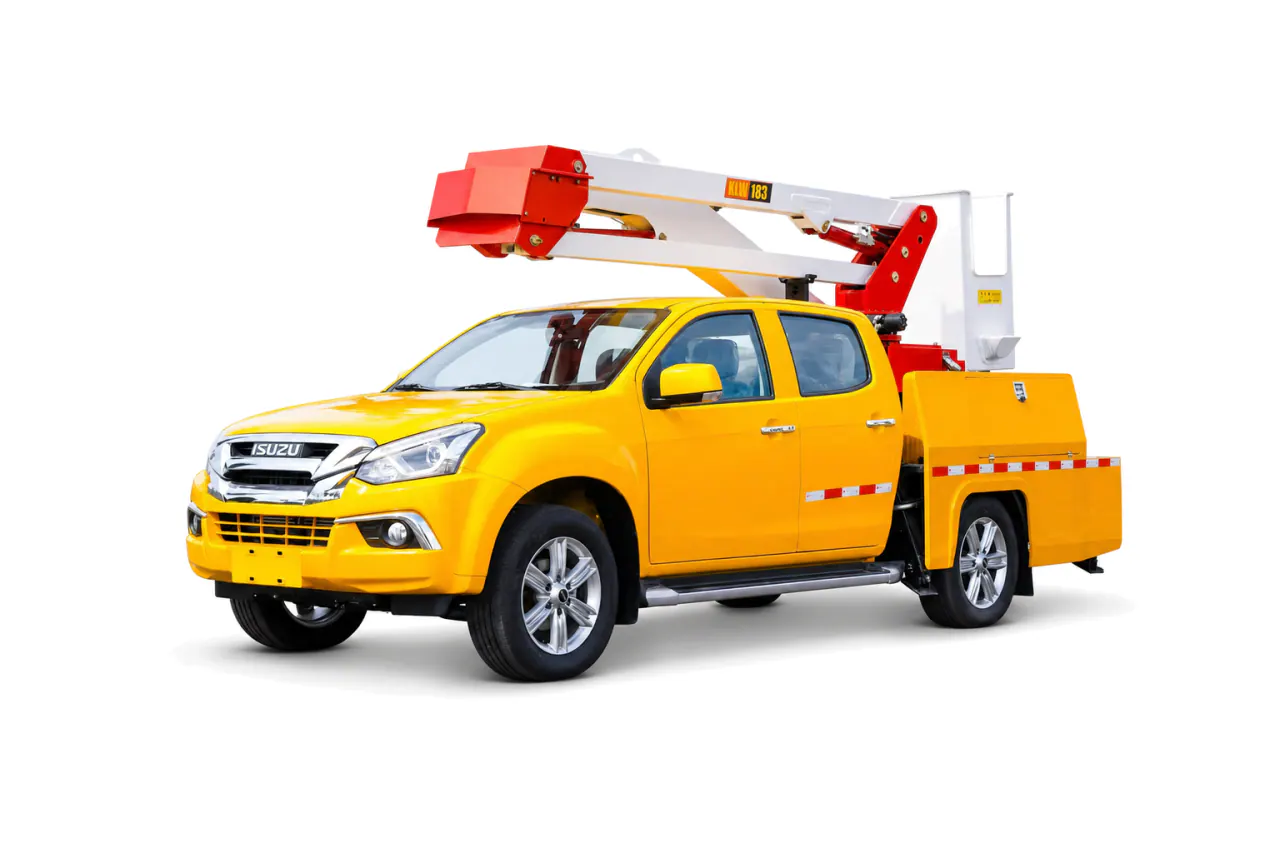
A pickup-mounted platform suits lighter utility and maintenance work. Check the payload left after installation, working envelope and stabilizer setup, allowing room for tools and access along the route.
The work position and electrical or infrastructure hazard determine the access equipment to review. KEEYAK assesses that equipment and any insulation requirement against the restoration sequence. Power and workshop support depend on the task and route constraints; an aerial vehicle is not automatically rescue apparatus.
| Decision | Why it matters | What to provide |
|---|---|---|
| Work position and hazard | Height, outreach, insulation and tools determine the access system and operating procedure. | State work points, electrical conditions, basket load and required tools.Retain: Envelope, insulation basis, equipment schedule and test method. |
| Route and setup | Vehicle access, stabilizer footprint and ground conditions can limit the work position. | Provide route, overhead hazards, ground, traffic and setup space.Retain: Route assumptions, stabilizer checks and completed dimensions. |
| Restoration support | Power, workshop and command support are conditional on duration and site spread. | Define runtime, parts, tools, crew and coordination needs.Retain: Support scope, load schedule and handover record. |
Choose the aerial platform from the actual work position, obstacle path and basket load. An insulated platform is relevant only when its insulation class, test method and operating procedure match the electrical duty. Compare telescopic and articulating booms against the path needed to reach the work position. A pickup-mounted platform can suit lighter work where maneuverability controls the choice.
The expected restoration duration informs the connected loads and repairs the team will need to handle. Those requirements determine whether to add a power or workshop vehicle. Multi-agency work may also need a separate command vehicle for coordination.
Choose equipment for the agreed work, then specify its connections and the records needed to check it.
Use these steps to prepare the configuration and acceptance brief, not as a field operating procedure.
Map the work positions, horizontal reach and obstacles.
Set basket occupants, tools, material load and electrical clearance.
Define insulation class, work method and test requirement where applicable.
Check stabilizer geometry, ground reactions, slope and transport route.
Agree controls, emergency lowering, inspection and operator handover records.
Network assets and work positions need to be assessed against electrical procedures. Choose quantities for the required response coverage and the crew and maintenance capacity available. Destination rules still need checking before the specification is settled; this is a planning example, not a standard utility fleet.
Add these vehicles only where the response plan identifies a separate duty.
Emergency Power Supply TruckMobile Workshop TruckEmergency Command VehicleUse only where the intended task, equipment configuration and operating conditions are documented.
Truck-Mounted Aerial LadderReview the relevant selection and procurement guidance before finalizing the brief.
Choosing a vehicle for elevated rescue or utility accessSpecifying mobile power, drainage and workshop vehiclesThese records document their own vehicles and scope; they do not establish performance for a new mission.
Tell our team about the operating duty and destination. Include the equipment required in your configuration brief.
Your selected mission will be included.